 Toyvo
Toyvo Anthropic's Study Says AI Makes You Code Faster but Learn Less
A new study from Anthropic shows developers using AI assistance scored 17% lower on skill tests. Here's what it means and how to use AI without losing the ability to debug.
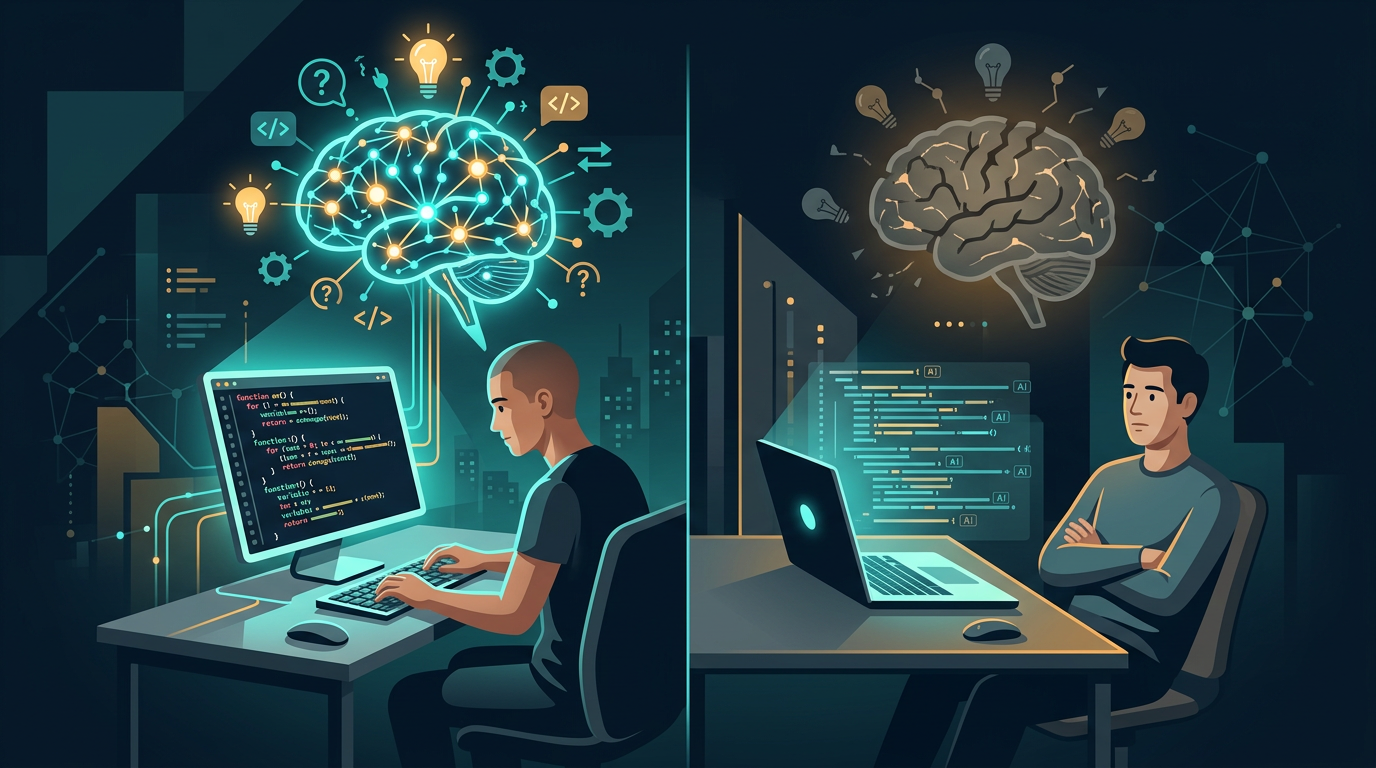
There's a question that's been quietly hanging over every engineering team that adopted AI coding tools in the past year: are your junior developers actually learning, or are they just getting good at prompting?
Anthropic, the company behind Claude, decided to find out. They ran a randomized controlled trial with 52 software engineers, and the results are worth paying attention to.
The Experiment
The setup was straightforward. Anthropic recruited mostly junior developers who'd been writing Python weekly for at least a year. They split them into two groups: one with access to an AI assistant, one without. Both groups had to learn a new Python library called Trio (used for asynchronous programming) and complete two coding tasks with it.
After the tasks, everyone took a quiz on the concepts they'd just used.
The AI group finished slightly faster. But on the quiz, they scored an average of 50% compared to 67% for the hand-coding group. That's a 17% gap - roughly the difference between a C and a B+.
The biggest drop was in debugging skills. The group that used AI assistance was significantly worse at identifying when code was wrong and understanding why it failed. This matters because debugging is exactly what you need when AI-generated code doesn't work, which happens more often than anyone wants to admit.
Not All AI Use Is Equal
Here's where it gets interesting. Anthropic didn't just measure outcomes - they recorded screen sessions and analyzed exactly how each developer used the AI assistant.
Three patterns led to poor quiz scores:
Full delegation. Four developers handed everything to the AI. They finished fastest and encountered almost no errors during the task. They also retained almost nothing. Speed without comprehension.
Progressive reliance. These developers started working independently but gradually handed more and more to the AI. By the second task, they'd stopped trying to understand the code at all.
Iterative AI debugging. Instead of debugging their own code, these developers kept feeding errors back to the AI. They asked the most questions but learned the least, because every question was "fix this" rather than "explain this."
Three patterns led to strong quiz scores:
Generate-then-comprehend. These developers let the AI write code, then asked follow-up questions to understand what it wrote. Same starting point as the full delegation group, but with an added step that made all the difference.
Hybrid code-explanation. They asked for both code and explanations in the same prompt. Slower, but they understood what they were building.
Conceptual inquiry. They only asked conceptual questions and wrote all the code themselves. This group encountered the most errors, resolved them independently, and ended up as the second-fastest group overall - right behind the full delegation group.
The pattern is clear: the developers who treated AI as a learning tool rather than a replacement for thinking retained their skills. The developers who outsourced their cognitive effort didn't.
Why This Matters for Engineering Teams
The implications go beyond individual developers. If your team is scaling with junior engineers who've spent their first year using AI to produce code without understanding it, you're building on a fragile foundation.
The study specifically flagged debugging as the most affected skill. Debugging is the skill that matters most when production breaks at 2 AM, when the AI-generated migration script corrupts data, or when a subtle race condition appears under load. It's the skill that separates someone who can ship code from someone who can maintain systems.
This doesn't mean AI coding tools are bad. Anthropic's own earlier research found that AI can reduce task completion time by 80% for work where developers already have the relevant skills. The nuance is critical: AI accelerates productivity on skills you've already built, but can undermine the development of new ones.
The Practical Takeaway
For individual developers: use AI to learn, not to avoid learning. Ask "why does this work?" after getting a solution. Try writing the code yourself first, then use AI to check your approach. When something breaks, debug it yourself before asking the AI to fix it.
For engineering managers: think about how you deploy AI tools across your team. Blanket access without guidance leads to cognitive offloading by default, especially for junior developers under deadline pressure. Consider structured learning periods where developers work without AI assistance, or require explanations alongside AI-generated code in code reviews.
For companies hiring developers: the engineers who use AI well are the ones who also know how to work without it. This distinction will only become more important as the ratio of AI-written to human-written code continues to grow.
What This Means for Outstaffing
Companies scaling engineering teams need developers who can both leverage AI for speed and understand systems deeply enough to maintain them. The worst outcome is a team that ships fast but can't debug - you end up with velocity in the short term and fragility in the long term.
At Toyvo, every developer we place uses AI tools daily. But we vet for the underlying engineering ability first-- the debugging instinct, the system-level thinking, the ability to trace a problem from symptom to root cause. AI amplifies what's already there. It doesn't replace what was never built.
Looking to scale your engineering team with developers who use AI as a force multiplier, not a crutch? Get in touch.
Read More
Claude Code Now Talks to Slack, Discord, and Your CI Pipeline
Anthropic's Claude Code just got real-time channels that let it react to Slack messages, CI failures, and Discord pings. Here's what that means for dev teams.
OpenAI Frontier Wants to Replace Your SaaS Stack With AI Agents
OpenAI's new Frontier platform puts enterprise AI agents on a collision course with traditional SaaS. Here's what it means for the software industry and engineering teams.